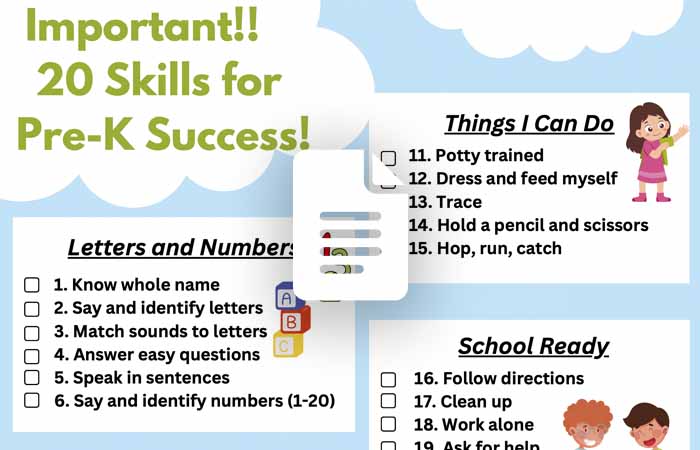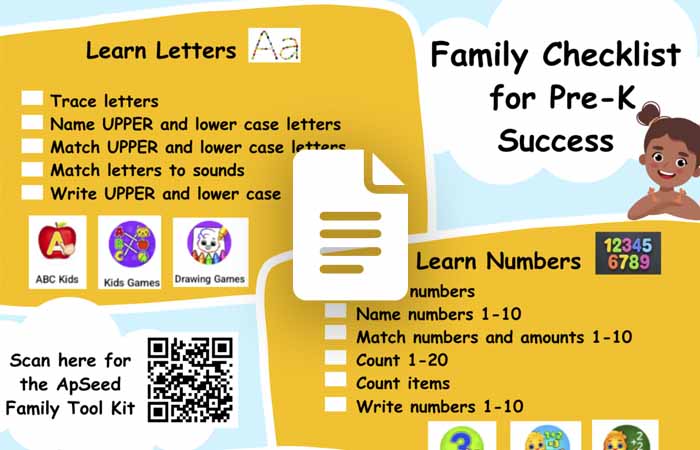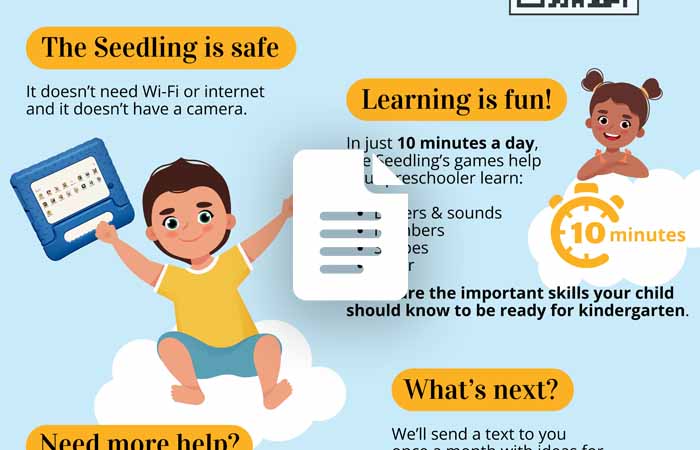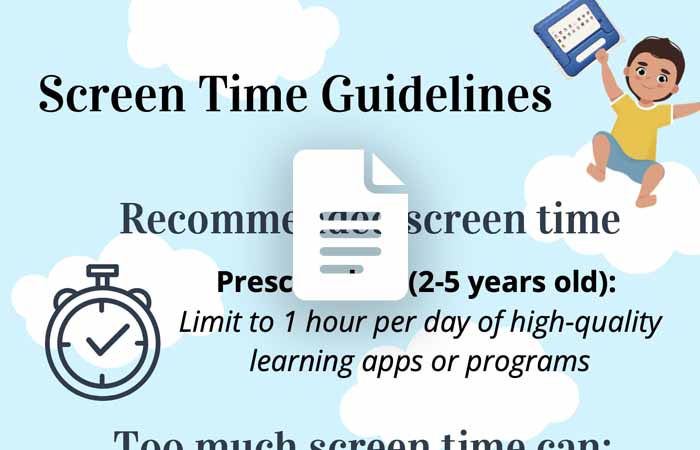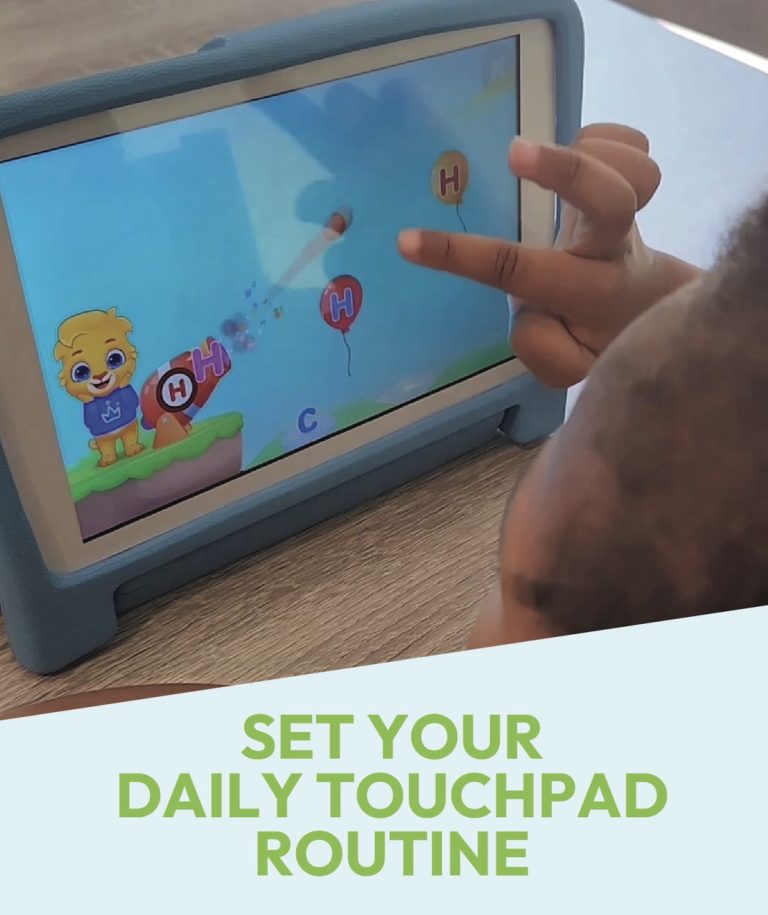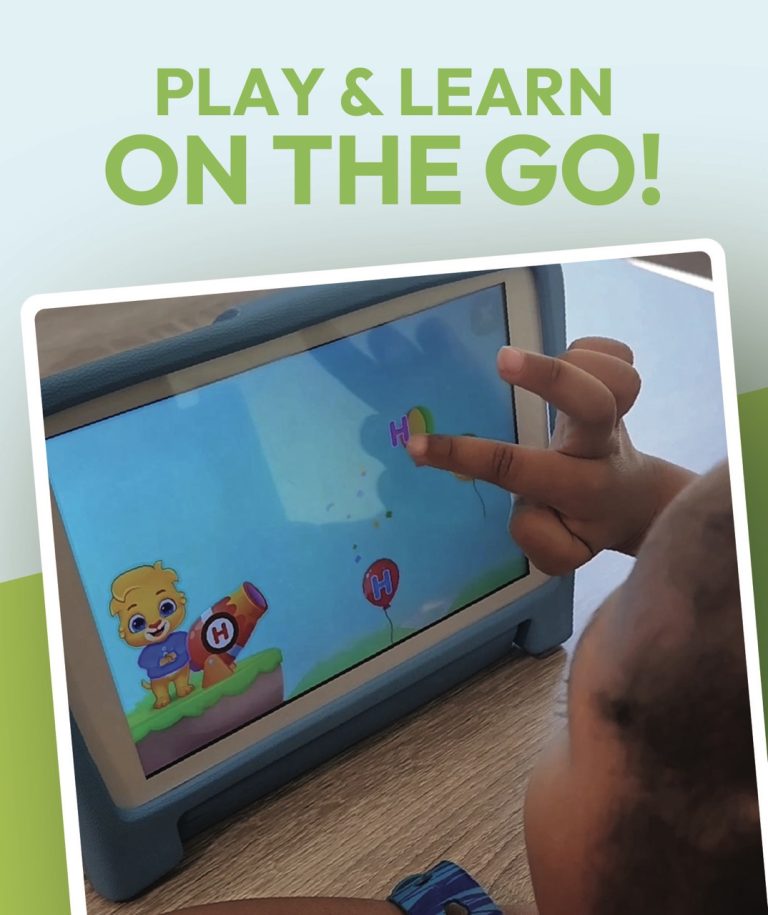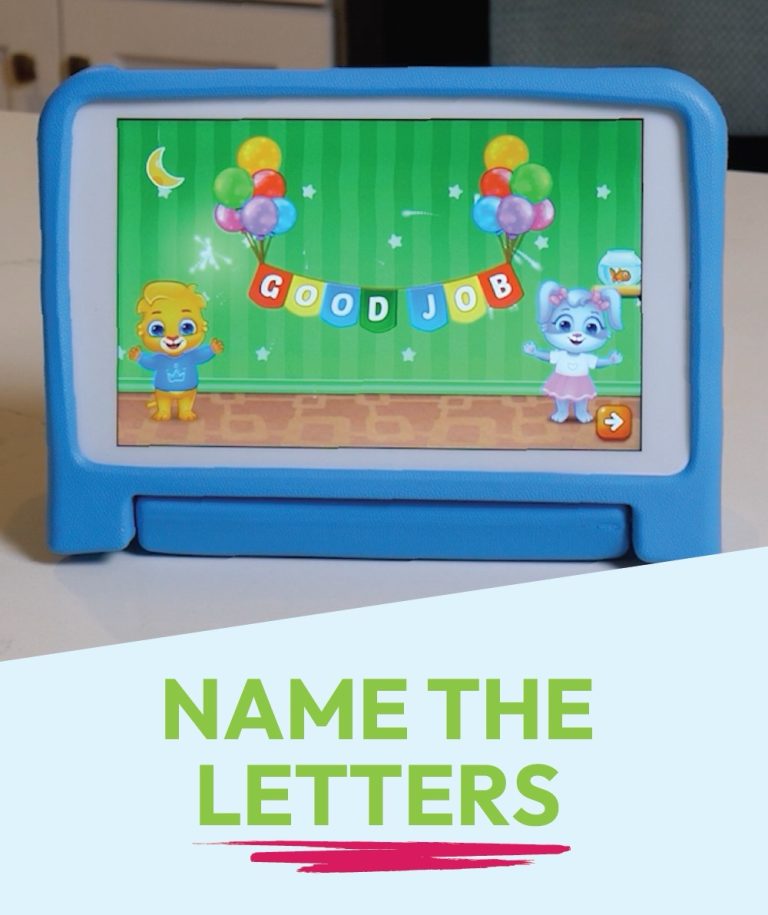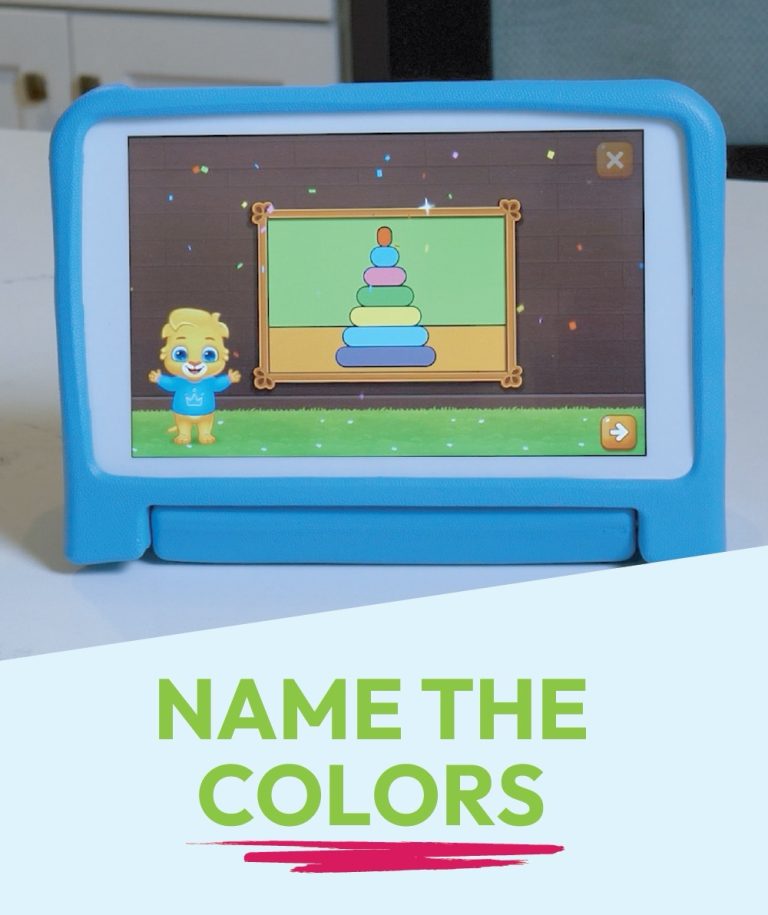
Help Center Support options for your touchpad Play Video FAQ Your questions, answered! Explore Need Help? Explore support options. Get Help Family Guides 20 Skills for Pre-K Success Open Family Checklist for Pre-K Success Open Family Guide Open Screen Time Guidelines Open Explore More Questions & Answers The screen went dark. What do I do? Press the power button on the side of the Touchpad. How do I get out of a game? Swipe your finger across the very top of the screen from x to x. How do I get back to all the games? Swipe up from the bottom of the screen. The Touchpad is not charging. What should I do? Make sure the charger is plugged in tight at both ends. Check for debris inside the charging port. I am stuck on the language screen. How do I get out? Tap the home button at the bottom to go back.(Note: the language cannot be changed) I can’t download the extra games. Why not? The Touchpad has no Wi-Fi, so extra games cannot be downloaded. How can I turn down the volume? Use the volume buttons on the side of the Touchpad. I went to the Parent Page on the touchpad. How do I get out? Tap the home button at the bottom to go back to the games or tap the X at the top of the screen. Activities Set a routine—let your child use the Touchpad at the same time each day. Play Video Play Video Play Video Your child can use the Touchpad in the car for learning time 🚗 Play Video Play Video Play Video 1 2 3 4 5 Explore More