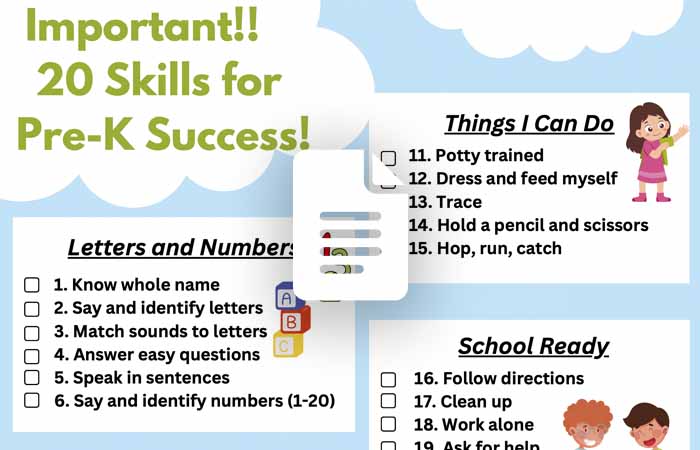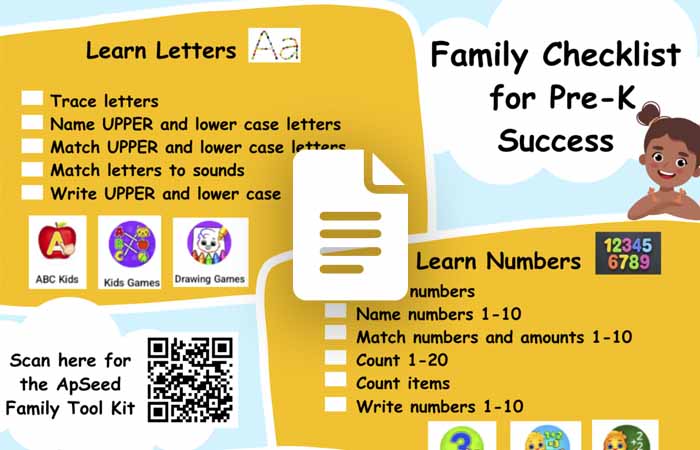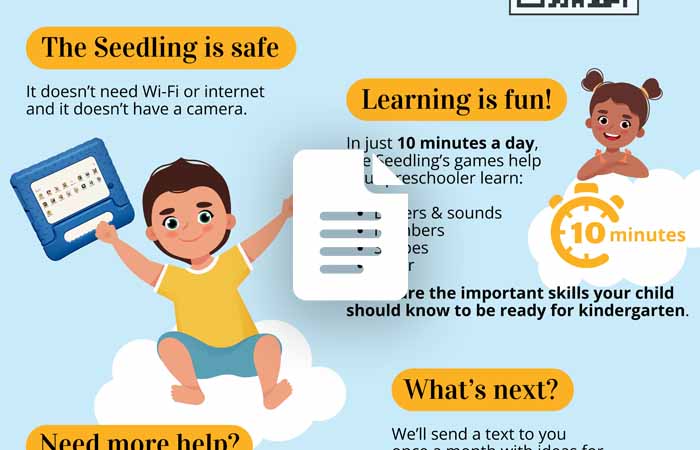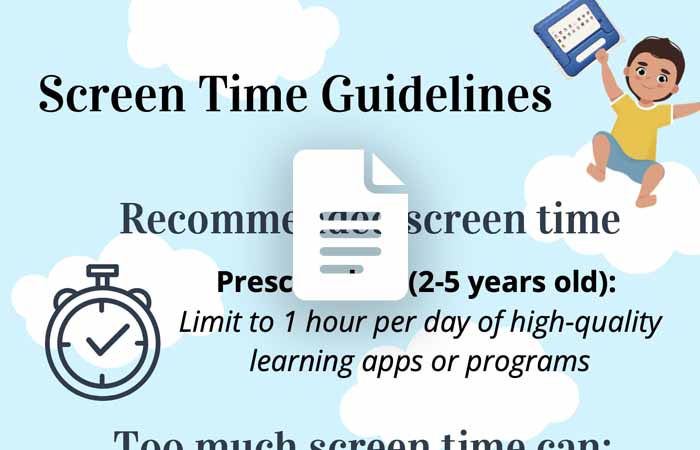
Help Center Support options for your touchpad Play Video FAQ Your questions, answered! Explore Need Help? Explore support options. Get Help Family Guides Going to Kindergarten? Open Family Checklist for Pre-K Success Open Family Guide Open Screen Time Guidelines Open Explore More Questions & Answers The screen went dark. What do I do? Press the power button on the side of the Touchpad. How do I get out of a game? Swipe your finger across the very top of the screen from x to x. How do I get back to all the games? Swipe up from the bottom of the screen. The Touchpad is not charging. What should I do? Make sure the charger is plugged in tight at both ends. Check for debris inside the charging port. I am stuck on the language screen. How do I get out? Tap the home button at the bottom to go back.(Note: the language cannot be changed) I can’t download the extra games. Why not? The Touchpad has no Wi-Fi, so extra games cannot be downloaded. How can I turn down the volume? Use the volume buttons on the side of the Touchpad. I went to the Parent Page on the touchpad. How do I get out? Tap the home button at the bottom to go back to the games or tap the X at the top of the screen. Activities Play Video Play the Colors & Shapes game to help your child learn! Play Video 1 2 3 4 Explore More